Radius is constantly monitoring data that gets copied to the clipboard, and in files that are created or modified in all the folders being watched. When it finds data, it generates records, and writes the records to the appropriate databases, in the designated categories, according to the following sequence:
- Citation: recognized citation page (JStor, Project Muse, EBSCO, etc.) — {Captured Citations}
- Catalog: book catalog page (currently records you select by browsing Edelweiss Plus) — {Catalogs}
- RIS: RIS formatted data — your active Ibidem database
- Text — Web Pages
- Web page (entire page, or fragment)
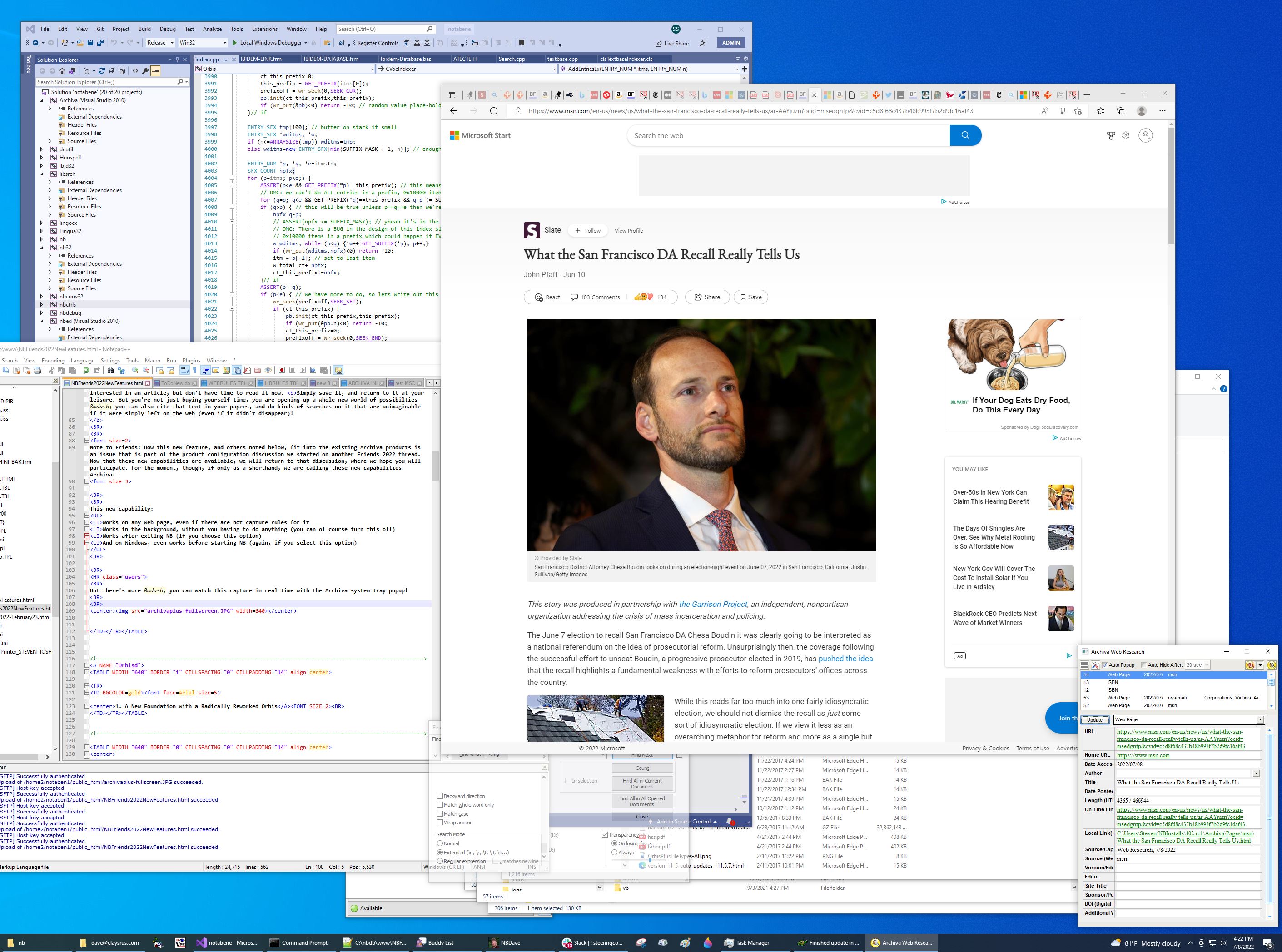
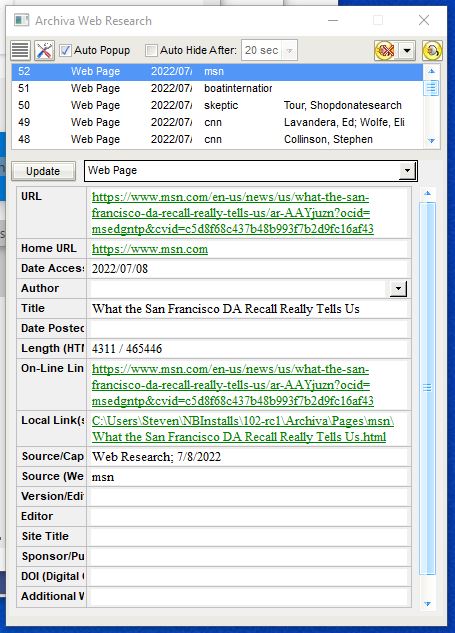
- Radius captures structured data including source URL, title, date accessed, etc.
- A copy of the web page is automatically downloaded, and a local link is created (user can suppress downloading)
- Other text
- There is no URL to save, and no text to download, but a record noting the source of the text and the date accessed will be created
- ISBN: ISBN Numbers — {ISBN #'s}
- If the ISBN numbers are detected on a web-page record (item #4 above), Radius can be configured to either:
- Automatically generate records for each ISBN reference found in the web page (automatically, in the background, when creating the base web-page record)
- As a separate, subsequent, step (click the book icon on the popup dialog described below)
- If these ISBN numbers are found in a regular file (that is, not in a page that would normally produce a web-page record), the generation of records will be automatic (for users of Archiva+)
A BRIEF NOTICE ABOUT PRIVACY
Radius captures the data you tell it to capture, and saves that data only to the file(s) and database(s) you specify, whether on your local computer, or in the cloud, and never leaves the selected location(s) — it is your work, and not accessible to anybody else.
|